韋誠 AI 好友 LINE Bot Wilson's AI Friend LINE Bot
用 Python / Flask 串接 Gemini 模型,部署在 Google Cloud Run,加進家庭 LINE 群組。不只是照教學跑一遍——從 Debug 到 CI/CD 自動部署,完整走了一遍 AI 應用上線的真實流程。 Python/Flask connected to Gemini, deployed on Google Cloud Run, added to a family LINE group. Not just following a tutorial — I went through the full real-world flow from debugging to CI/CD auto-deployment.
專案背景 Project Background
想要一個能真正在生活中用到的 AI 應用,不是跑在本機的 demo,而是加進家庭群組、朋友都能互動的那種。於是選了 LINE 作為介面,Gemini 作為大腦,Google Cloud 作為基礎架構。 I wanted an AI application I could actually use in daily life — not a local demo, but something added to a family group where everyone could interact. So I chose LINE as the interface, Gemini as the brain, and Google Cloud as the infrastructure.
技術架構 Technical Architecture
gemini-3.1-flash-lite-preview 才能正確呼叫預覽版模型 Must use codename gemini-3.1-flash-lite-preview to call the preview model correctly 踩過的坑(10+ 次 Debug) Lessons Learned (10+ Debug Sessions)
部署時主程式必須固定命名為 main.py,Cloud Run 才能正確識別進入點。 The main file must be named main.py for Cloud Run to correctly identify the entry point.
預覽版模型無法用一般名稱呼叫,必須使用完整代碼名稱 gemini-3.1-flash-lite-preview。 Preview models can't be called by their generic name — must use the full codename gemini-3.1-flash-lite-preview.
連接 GitHub repo 後,需正確設定 cloudbuild.yaml 觸發條件,才能讓每次 Push 自動上線。 After connecting the GitHub repo, correctly configure cloudbuild.yaml trigger conditions so each push automatically goes live.
實際成果 Real Results
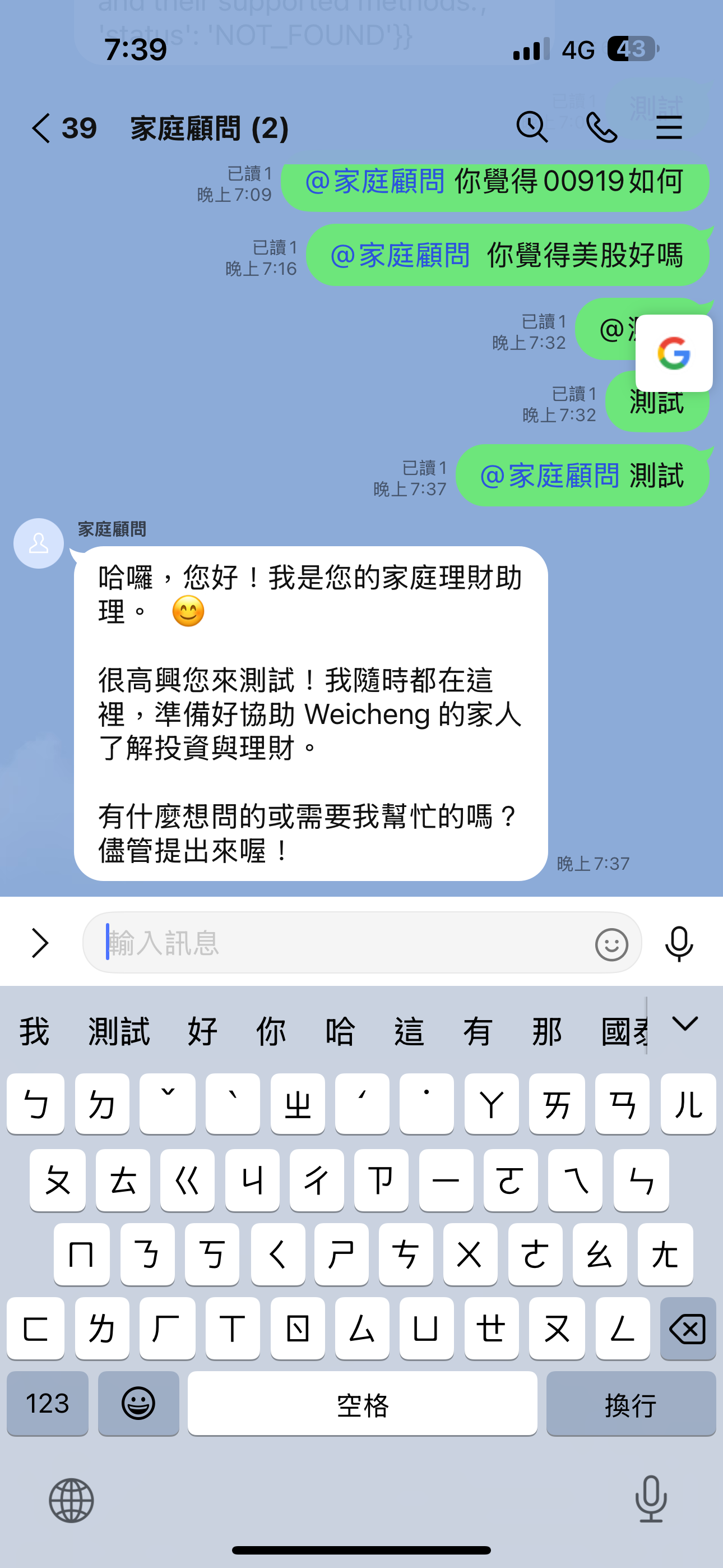
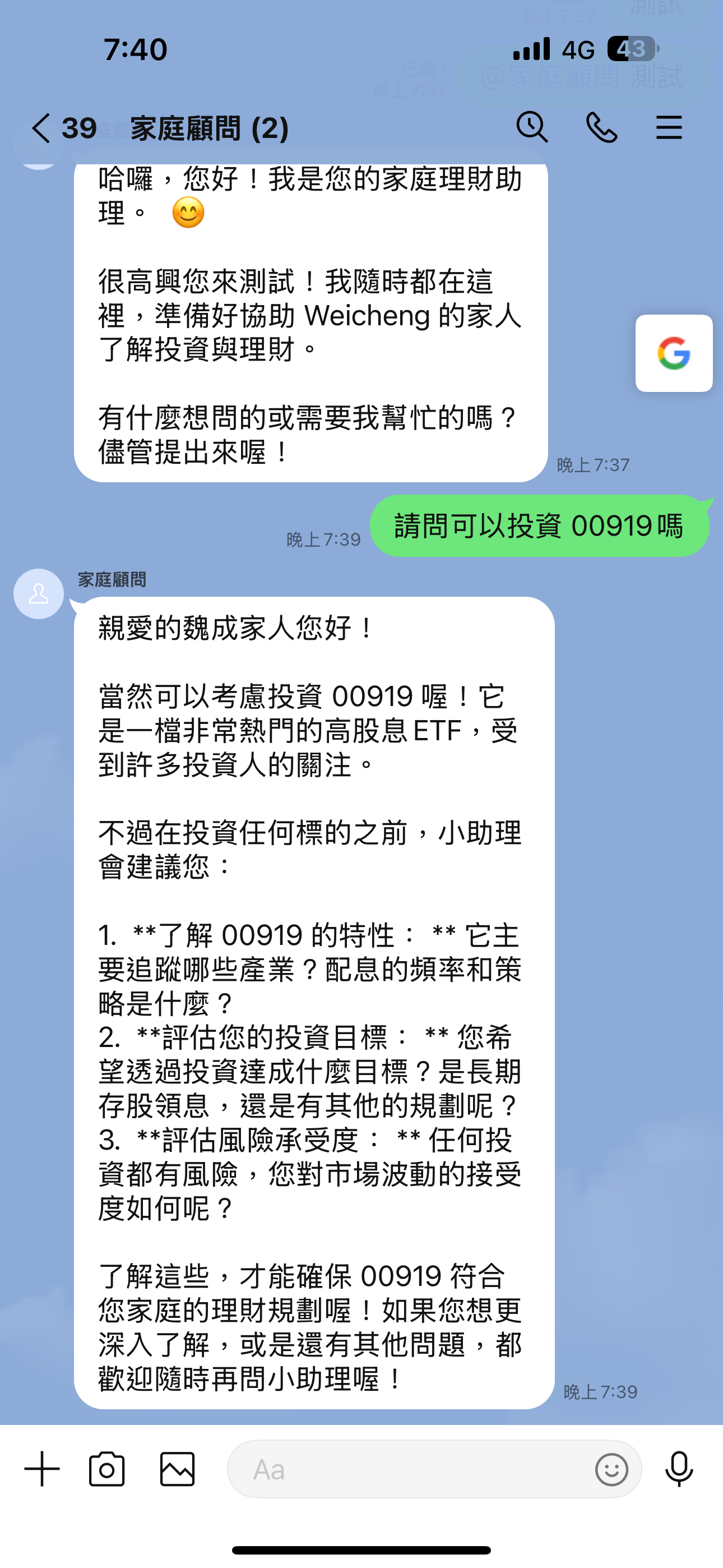
機器人上線後加進家庭群組,也分享給軟體設計師朋友交流。群組成員可以直接在 LINE 裡問問題,Gemini 即時回覆。這是第一次從零到真實用戶都在用的 AI 應用完整體驗。 After going live, the bot was added to my family group and shared with software designer friends. Group members can ask questions directly in LINE with Gemini responding instantly. My first complete experience building an AI application from zero to real users actually using it.